
Neva and your agents on your phone.
MadeForPrivacy is available as an app for iPhone, iPad and Android. It starts with our public demo; you add your company's instance afterwards. From then on your input and documents go to your own server.
In open testing. Participation on request.
On the go
The same Neva as at your desk.
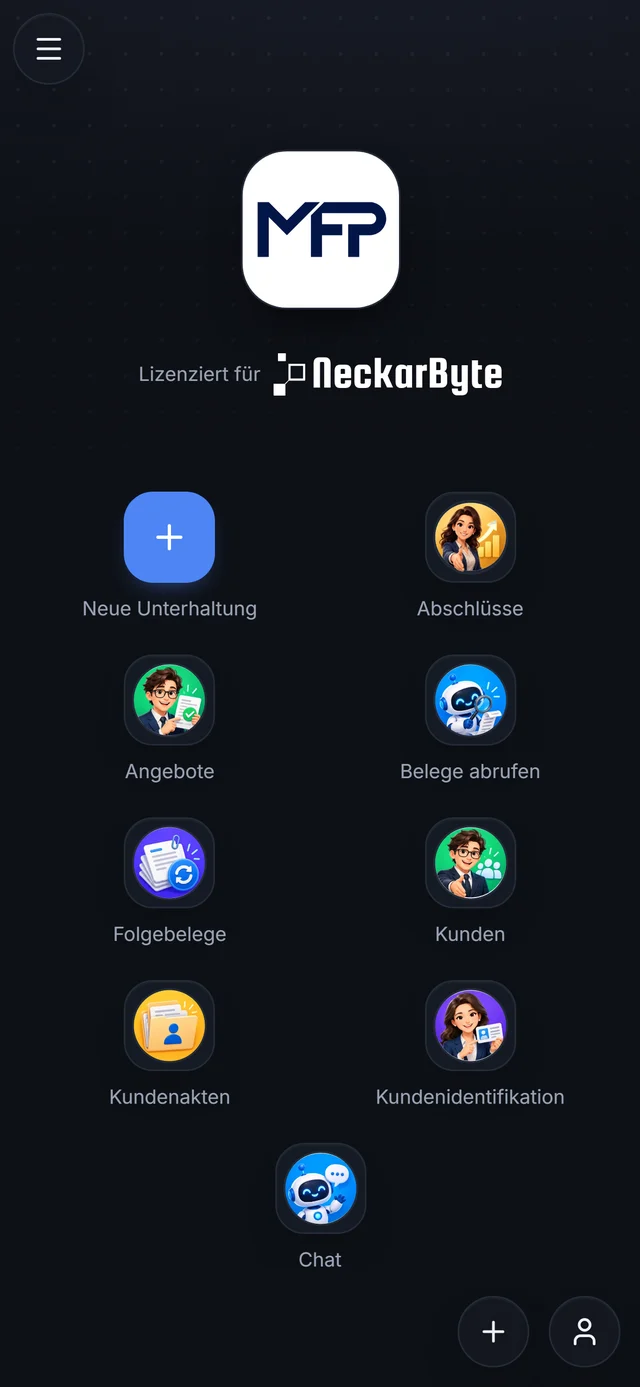
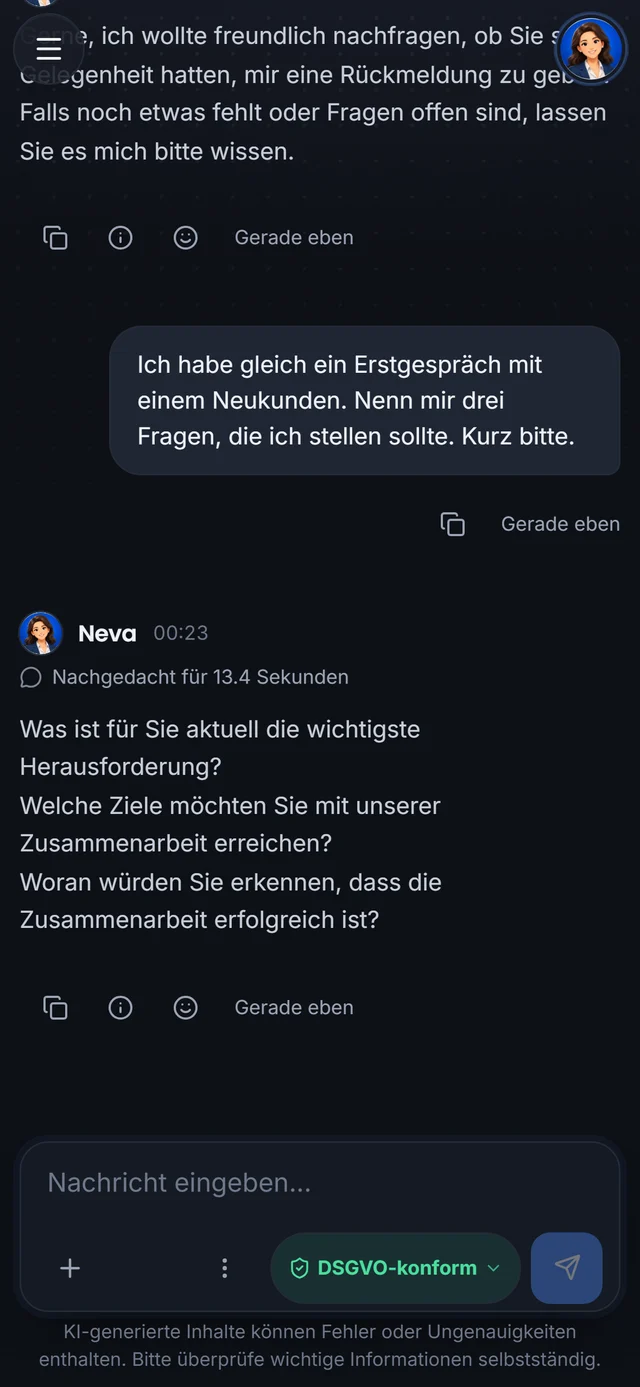
On the phone, Neva is a full conversation in the main view. Describe what you want done, even if it takes several steps. Neva handles it herself or brings in the right agent. Your administrator decides which agents you may use.
- iPhone
- iPad
- Android
- Agents as favoritesPut the agents you use often on the start page.
- FoldersSort conversations into folders and subfolders, just like on the desktop.
- Familiar gesturesSwiping from the edge closes the top layer, pulling down refreshes, a long press opens the context menu.
- Mail draftsOpen a draft an agent wrote in Mail, in Outlook or as an .eml file.
- Data zone in viewEvery chat shows its data zone. With Neva you pick it yourself; an agent works in its fixed zone.
- Several instancesAdd several servers and accounts next to the demo and switch between them in the account picker.
Without opening the app
Widgets, Live Activity and Shortcuts.
The app uses the device’s Home Screen, Lock Screen and Shortcuts. That way you see how your agents are doing even with the app closed.
Widgets
iOS and Android"Ask Neva" opens Neva straight from the Home Screen. "Open approvals" shows how many changes are waiting for your approval.
Live Activity
iPhoneWhile an agent runs, you see its progress on the Lock Screen and in the Dynamic Island. On Android a notification shows the progress.
Shortcuts and Siri
iPhone and iPadThe "Run agent" action runs an agent with text or files and returns its answer or the documents it generated.
Notifications
iOS and AndroidWhen Neva answers while the app is in the background, the device lets you know. Errors and warnings are reported the same way. The app only asks for permission when it has something to report for the first time.
App shortcuts
AndroidPress and hold the app icon to open Neva or your open approvals directly.
Share to Neva
iOS and AndroidShare text and files from Mail, Files, Safari, Photos or other apps to MadeForPrivacy. They arrive as a draft for Neva and are only sent when you tap.
Calendar and contacts
Neva knows your appointments if you want her to.
Under Settings, Neva, Connect you switch the device’s calendar and contacts on one by one. Only then does the device ask you for permission.
- CalendarNeva points you to upcoming appointments. Connect reads events up to the end of tomorrow; it does not read their notes and links.
- What goes to your serverUpcoming events are sent to your connected MadeForPrivacy instance only when you write to Neva or a rule you agreed with Neva applies. Until then they stay on the device.
- ContactsConnect compares contact cards with your contacts and shows you what is already saved. Contacts are only read, never changed.
- Off at any timeSwitch each source off again in the app, or withdraw the permission in the device settings.
Data protection
Your input only goes to your server.
The app sends your input only to the instance you are connected to. Data zones, agents and permissions are the same as on the desktop.
The same instance
The app is one more way into your MadeForPrivacy installation. What you see follows from your groups.
Data zones
Every chat runs in a zone: Local only, GDPR-compliant or Unprotected. The zone decides which AI services may process your input.
No tracking
The app contains no ads and no tracking.
Sign-in in the Keychain
Sign-ins are kept in the iPhone Keychain or the Android Keystore, local data is encrypted on the device.
Face ID and fingerprint
If you like, lock the app with Face ID, your fingerprint, face recognition or the device passcode.
Accounts kept apart
Every account on every instance has its own encrypted data. "Remove account" deletes the sign-in and the local data on the device.
NeckarByte runs the demo, and all content in it is invented. Do not enter confidential data there.
iPad
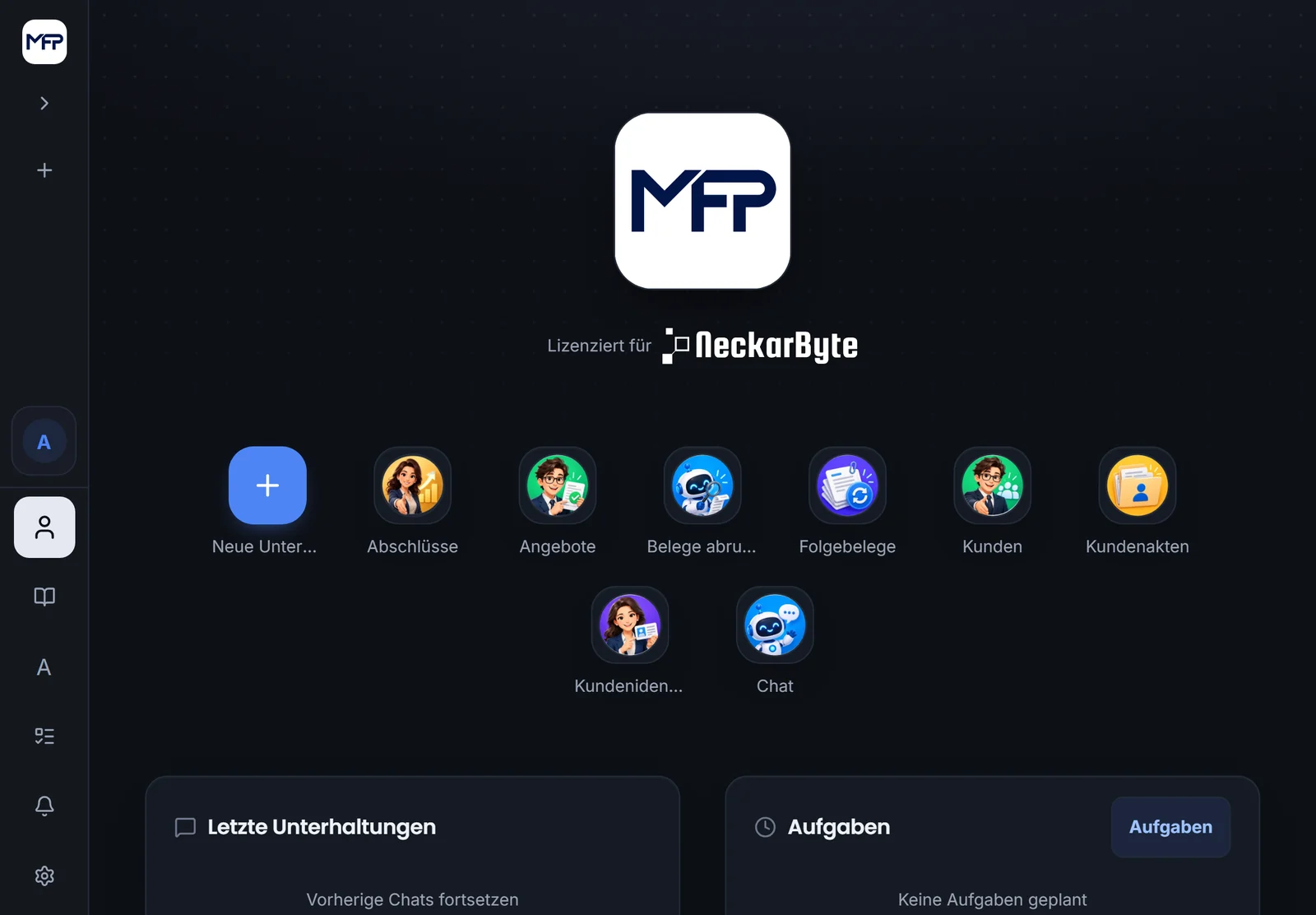
On the iPad with a sidebar.
On the iPad the app shows the same interface as on the desktop: sidebar, agents on the start page, recent conversations and tasks. There, Neva opens as a compact window next to your work.
Testing
The app is in open testing.
Participation on request. Tell us which device you want to test on and whether you want to use the demo or your own instance.